Save the Date Email: Wording, Timing and Templates

Save the Date Email: Wording, Timing and Templates
A save the date email is a short, early message that tells people an event is happening and asks them to hold the date, before the formal invitation exists. Send it as soon as the date is confirmed, keep it to the essentials (what, when, roughly where, and that details will follow), and save the RSVP request for the invitation. Below you’ll find the timing for weddings, galas and corporate events, what to put in the message, subject lines, and templates you can adapt in a few minutes.
TL;DR
- Send a save the date once the date is locked. For weddings that usually means 6 to 12 months out; for corporate and VIP guests, 3 to 6 months is a common pattern.
- Include the event name, date, time if known, and the location (or a note that it’s coming). Say that the invitation and full details will follow.
- Don’t ask for an RSVP, and for weddings leave out the itinerary and registry link.
- A clear subject line with the event name and date does most of the work.
- Keep the guest list and the send schedule in one place so the invitation and reminders go to the same people.
Table of Contents
- What a save the date email does (and what it doesn’t)
- When to send a save the date email
- What to include in a save the date email
- Save the date wording that works
- Save the date subject lines
- Save the date email templates
- How to send it well
- Common save the date mistakes
- Our perspective: treat the save the date as the first step of a system
- Plan the whole guest journey in one place
- FAQ
- Sources
What a save the date email does (and what it doesn’t)
Think of it as a calendar hold. A save the date announces the event and holds the date with minimal details, while the invitation gives confirmed details and asks for an RSVP. That difference shapes everything about how you write it.
Because you aren’t asking for a decision yet, the message can be short and warm. Guests only need to do one thing: put the date on their calendar. Everything else, such as the schedule, the dress code, the ticket link or the meal choice, belongs in the invitation that follows.
This also settles the question people often ask about save the date vs. invitation. They are two steps in one sequence:
| Save the date | Invitation | |
|---|---|---|
| Purpose | Hold the date | Confirm details and collect a response |
| Timing | Early, as soon as the date is set | Closer to the event |
| Detail level | Name, date, rough location | Full time, venue, schedule, instructions |
| Asks for an RSVP | No | Yes |
| Tone | Short, anticipatory | Complete, practical |
If you have details that aren’t final yet, that is exactly the situation a save the date is built for. You can announce the date and say the rest is coming.
When to send a save the date email
The short rule: send it as soon as the event date is confirmed. The right lead time then depends on how much planning your guests need to do.
Weddings
For weddings, the commonly given window is 6 to 12 months before the event. One wedding stationery guide puts the typical send at six to nine months, and nine to twelve months for destination weddings or dates near holidays. Guests are requesting time off and booking travel, so the farther they have to go, the earlier they need to know.
A practical way to choose:
- Local wedding, ordinary weekend: about 6 to 8 months out.
- Destination wedding or holiday weekend: 9 to 12 months out.
- Small guest list with older relatives or international guests: lean toward the early end.
Corporate events and VIP guests
The University of Missouri’s brand guidelines place save the dates for leadership or VIP guests 3 to 6 months before the event. That is a useful anchor for executives, speakers and major donors, whose calendars fill up first. For a client appreciation dinner or an annual conference, those are the people to email earliest.
Fundraisers, galas and golf outings
There’s no single official rule for these, so use the logic that applies everywhere: send the save the date when the date and rough location are firm, and early enough that your most important attendees haven’t committed elsewhere. For a gala that relies on table hosts and sponsors, many organizers send to sponsors and board members first, then to the wider list. For a golf outing, the priority is reaching foursome captains and sponsors before peak summer calendars fill. Adjust to your own audience, and if you’ve run the event before, last year’s registration timing is the best evidence you have.
A simple send schedule
The sequence matters more than any exact number. Send the save the date before the formal invitation, and send reminders to people who haven’t answered. A typical chain looks like this:
- Save the date (date confirmed).
- Invitation with RSVP or registration link.
- Reminder to non-responders (see our RSVP reminder email templates).
- Confirmation after they register (see registration confirmation emails).
- Day-before logistics.
What to include in a save the date email
A good save the date has a clear announcement, the date and time if known, the event name or purpose, the location or a note that it’s coming soon, a note that full details will follow, and a gentle call to action such as adding it to a calendar. The University of Missouri’s guidance is consistent: event name, date and time, with the location included when confirmed.
Here’s the checklist in plain terms:
- Who is hosting. Names for a wedding, organization name for a gala or company event.
- What it is. “Annual Spring Gala,” “Client Summit,” “Smith-Lopez Wedding.”
- The date. Written out in full with the weekday: Saturday, May 16, 2027. The weekday helps people check conflicts at a glance.
- The place. City and state is enough early on. One etiquette guide advises that city and state are all that’s needed at this stage, even if the venue is booked.
- A line that more is coming. “Formal invitation to follow.”
- One easy action. An “Add to calendar” link, or a link to the event website.
Extra rules for wedding save the dates
Wedding save the date emails should not include a wedding weekend itinerary, a registry link or an RSVP request. It’s too early, and it makes a gentle heads-up feel like homework. If you mention a password-protected wedding website, give guests the login details so the link doesn’t become a dead end. Better still, keep the website simple. Our guide to wedding website content essentials covers what to put there so guests stop emailing you the same questions.
One more point: a save the date can stand on its own and doesn’t have to match the look of the future invitation. Don’t delay sending because the design isn’t final.

Save the date wording that works
Good wording is brief, specific and in the voice of the host. The same structure holds for nearly every event: announce, date, place, promise of more.
Wedding wording
Formal:
Please save the date for the wedding of Maya Thompson and Daniel Ortiz Saturday, October 9, 2027 Asheville, North Carolina Formal invitation to follow
Casual:
We’re getting married! Save October 9, 2027 for a weekend in Asheville with the people we love most. Invitation and all the details coming soon.
If your guest list may include plus-ones, you don’t need to settle it in the save the date, but decide the policy before the invitation goes out. Our piece on wedding plus-one policy wording helps with that.
Corporate wording
Save the date: Northfield Client Summit Thursday, March 11, 2027, Chicago Join us for a day of sessions, case studies and networking with our customers. The full agenda and registration link will follow in January.
Note that this version names what happens at the event, because business invitees decide on value. A wedding doesn’t need that. A corporate event does.
Fundraiser and gala wording
Save the date for the Riverside Community Fund Annual Gala Friday, November 5, 2027, 6:30 p.m. An evening of dinner, music and a live auction supporting local youth programs. Tickets and sponsorship details to follow.
For nonprofits, one sentence on the cause gives the reader a reason to keep the date free.
Golf outing wording
Mark your calendar: The 12th Annual Hartley Charity Golf Outing Monday, June 14, 2027, Maple Ridge Golf Club Foursome registration and sponsorship opportunities open soon.
Save the date subject lines
The best subject lines are clear, to the point, and typically include the event name and date. The pattern “Save the Date: [Event Name], [Date]” works, as does a friendlier version like “Mark your calendar: [Event Name] is back in [City].”
Some adaptations:
| Event | Subject line |
|---|---|
| Wedding | Save the date: Maya & Daniel, October 9, 2027 |
| Wedding (casual) | We’re getting married! Save October 9 |
| Corporate | Save the Date: Northfield Client Summit, March 11 |
| Gala | Save the date: Riverside Annual Gala, November 5 |
| Golf outing | Mark your calendar: Hartley Charity Golf Outing is back |
| Recurring event | Mark your calendar: our annual conference returns to Austin |
Two habits keep subject lines effective. Put the words “save the date” first so the email is recognized immediately, and don’t pack in extra promises. If the preview text is editable, use it for the location: “Asheville, North Carolina. Invitation to follow.”
Save the date email templates
Copy, then replace the bracketed parts. Each template stays under 80 words, because shorter is clearer.
Template 1: Wedding
Subject: Save the date: [Name] & [Name], [Month Day, Year]
Hi [Guest first name],
We’re getting married, and we’d love you to be there. Please save [Weekday, Month Day, Year] for our wedding in [City, State].
Your formal invitation will follow, along with details about travel and lodging. In the meantime, you can add the date to your calendar here: [link].
With love, [Name] & [Name]
Template 2: Corporate event
Subject: Save the Date: [Event Name], [Month Day]
Hi [First name],
We’re hosting [Event Name] on [Weekday, Month Day, Year] in [City]. Expect [one line on what attendees get].
Registration and the full agenda will follow in [month]. Please hold the date: [Add to calendar].
[Name], [Company]
Template 3: Fundraiser or gala
Subject: Save the date: [Organization] [Event], [Month Day]
Dear [First name],
Join us on [Weekday, Month Day, Year] for [Event Name], supporting [cause in a few words]. Your support helped us [one concrete result from last year, if you have one].
Tickets, tables and sponsorship details will follow soon. Please mark your calendar: [link].
Thank you, [Name], [Organization]
Template 4: Recurring event
Subject: Mark your calendar: [Event] is back in [City]
Hi [First name],
[Event] returns on [Date]. The time and location details are [confirmed/coming soon]. Registration opens in [month].
See you there, [Name]
How to send it well
Segment your list. Not everyone gets the same email on the same day. Send VIPs, sponsors, speakers and the wedding’s closest family first, then everyone else. A save the date with a personal greeting reads better than a blast.
Check the list before you send. Bounces and missing guests cause more trouble than bad wording. If you’re planning a wedding, lock the list early. Our guide to wedding guest list management and exports shows how.
Make the date easy to save. A calendar link or an attached calendar file turns “I’ll remember” into “it’s in my phone.”
Plan what comes next. A save the date creates an expectation. If you say registration opens in January, open it in January. A broader guest communication plan keeps every message, from the first announcement to the last reminder, consistent.
Keep sending on a single device-friendly layout. Most people open email on a phone. Use a short body, a clear date line in large type, and one link.
Common save the date mistakes
- Sending before the date is firm. If you might change it, wait. Changing a date after announcing it costs trust, and a cancellation or change email is a message nobody wants to write.
- Asking for an RSVP too soon. You haven’t given people enough information to answer.
- Crowding the message. Itineraries, registry links, dress codes and hotel blocks all belong later.
- Vague subject lines. “Exciting news!” is easily ignored. Name the event and date.
- Leaving people out. If you send the invitation to someone who never got the save the date, they may already have plans. Keep one master list.
- Forgetting the follow-up. A save the date is not a registration. Plan the invitation and reminders at the same time you plan this email.
Our perspective: treat the save the date as the first step of a system
Most advice treats the save the date as a standalone email. In our experience building planning tools for weddings, galas, golf outings and corporate events, the real trouble starts afterward. The guest list lives in one spreadsheet, the invitation goes out from another tool, responses come back by text and email, and nobody is sure who has been told what.

So we suggest working backward. Decide the date, decide who needs to hear first, and decide what the next two messages will be before you send the first. Then keep every guest, response and payment in one list, so the save the date, the invitation and the reminders all go to the right people. That’s the reason Jubiliq adapts its planning screens to the event type: a wedding planner shouldn’t have to wade through ticketing options, and a gala host shouldn’t have to hunt for seating and sponsorship tools.
The email itself should stay simple. The discipline is in what surrounds it.
— HCRF
Plan the whole guest journey in one place
Once your save the date is out, the work shifts to invitations, RSVPs, vendors and the day-of schedule. Jubiliq brings guest lists with RSVP tracking, budgets, vendor management, task scheduling and printable day sheets together in one platform.
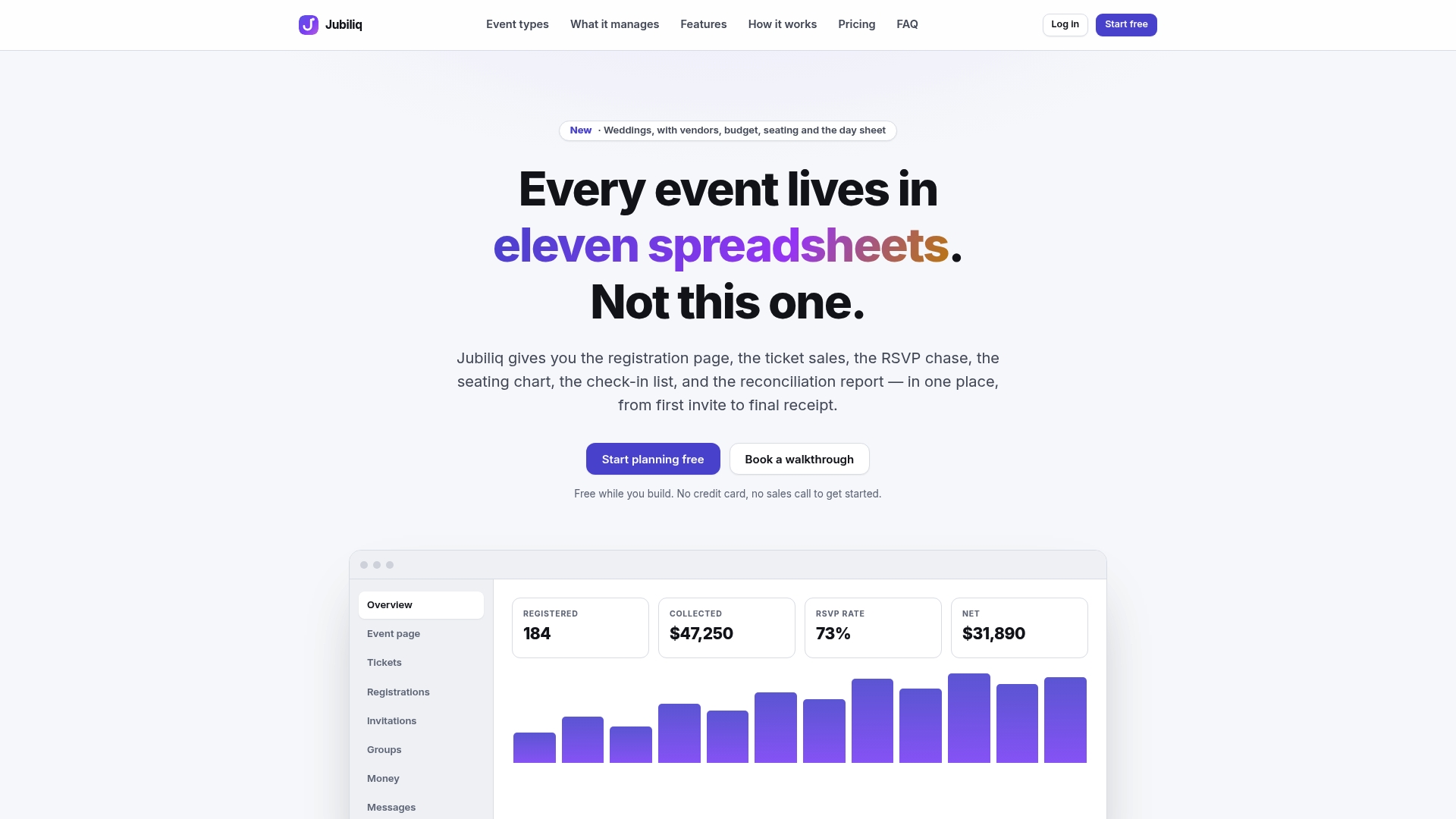
The Starter plan costs $0 per event and suits weddings, parties and planning-only events with no paid tickets. If you sell tickets, registrations or sponsorships, the Organizer plan charges 2% per paid registration, plus Stripe’s processing fees. Larger organizations running multiple events can talk to us about Enterprise. See the plans at Jubiliq.
FAQ
Is a save the date email enough, or do I also need a physical card?
For most events, email is enough, especially for corporate events, fundraisers and golf outings. For weddings it depends on your guests and budget. Many couples send email save the dates and mail the formal invitation. What matters is that every guest receives one, so confirm that you have a working email address for each person.
Do I need to send a save the date for a small or informal event?
Not always. If the event is a few weeks away and the guest list is small, an invitation alone is fine. A save the date helps most when people need lead time: travel, time off work, sponsorship decisions or a busy season.
Should a save the date include the venue address?
Usually not yet. City and state, or the city alone, is enough. Add the full address in the invitation, once everything is confirmed. The exception is when the venue itself is the draw, as with a well-known club or hall, and you’re certain of the booking.
What if the date changes after I send it?
Send a correction as soon as you know, with the new date in the subject line and a short apology. Keep the message brief and say what hasn’t changed. This is the main reason to wait until the date is firm before you announce it.
Can I send a save the date by text instead of email?
Yes, for close friends and family a text works, but email is easier to forward, search and attach a calendar link to. If you use both, send the same wording so nobody receives conflicting details.
Sources
- How to Write a Save the Date Email (With 7 Free Templates)
- The Save the Date Email Complete Guide 2026
- Email Invitations: Brand Guidelines, University of Missouri
- Event Invitation Email Template: 10 Examples + Subject Lines
- Save the Date Etiquette: What to Write & When to Send