Event Reporting Metrics: What to Track and How to Report

Event Reporting Metrics: What to Track and How to Report
The event reporting metrics worth tracking are the ones tied to your event’s goal: registrations, attendance rate, cost per attendee, revenue or funds raised, satisfaction, and ROI. Pick five to eight, define each formula before the event, and report them in one place afterward. A short, honest report beats a 40-metric spreadsheet nobody reads.
This guide shows which metrics fit which kind of event, how to calculate them, how to measure ROI without fooling yourself, and what a useful reporting dashboard looks like.
TL;DR
- Start from the goal. Sell tickets, raise money, host a wedding, impress clients: each one needs a different short list of metrics.
- The core set is registrations, attendance rate, cost per attendee, revenue or net funds raised, satisfaction, and ROI.
- ROI is (benefits − costs) ÷ costs × 100. Report goals that have no dollar value next to it, not inside it.
- Count only benefits the event actually caused, and say who bears the costs.
- Set up tracking before the event so the data collects itself, then review it within a week while memory is fresh.
Table of Contents
- Start with the goal, not the spreadsheet
- The core event reporting metrics
- Metrics by event type
- How to measure event ROI
- What an event reporting dashboard should include
- A simple reporting rhythm
- Perspective: why we build reporting into the plan
- Plan the event and the report in one place
- FAQ
- Sources
Start with the goal, not the spreadsheet
Most bad event reports come from collecting everything because it was available. Good ones begin with one sentence: “This event succeeds if…” Then every metric has to serve that sentence.
A framework from New Zealand’s Ministry of Business, Innovation and Employment, built on ASOIF’s common indicators for event impact, tells hosts to choose KPIs that match their objectives. It also splits indicators into three layers that work for any event, large or small:
- Input: the resources and activities you planned (budget, staff hours, vendors booked, invitations sent).
- Output: what was actually delivered during or right after the event (tickets sold, people checked in, sessions run).
- Outcome: longer-term effects that need more effort to measure (repeat donors, signed deals, brand perception).
The same document notes that detailed long-term analysis is often too costly and time-consuming for most hosts. That is useful permission. If you run a 150-person fundraiser, you do not need a research study. You need inputs and outputs tracked cleanly and one or two outcomes you can honestly follow up on.
For a deeper look at timing, see our guide to event KPIs to track before, during and after your event.
The core event reporting metrics
These metrics apply to almost every event with guests. Each one has a formula you can write down in advance.
Registrations and conversion
Registrations (or RSVPs, or tickets sold) show demand. Track them over time, not just as a final number, so you can see which invitation or email moved people.
- Registration count: confirmed RSVPs or paid tickets.
- Registrant conversion rate: registrations ÷ people who saw the invitation or registration page × 100.
- Source mix: how many registrations came from email, social, personal invites, or partners.
If your invitations go out in waves, record the date of each wave so you can tie spikes to actions. A guest communication plan that syncs RSVPs with each message makes this much easier.
Attendance rate
Attendance rate is people who showed up ÷ people who registered × 100. It is the quickest sign of whether registration reflected real intent.
Example: 200 RSVPs and 164 check-ins gives 82%. Free events usually lose more registrants than paid ones, so compare against your own past events of the same type, not against a number from a blog. We walk through copyable formulas and a team score in how to track attendance rate.
Cost per attendee
Cost per attendee is total event cost ÷ people who actually attended. Use the fully loaded cost: venue, food and drink, rentals, staffing, marketing, printing, and any software fees. Divide by check-ins, not registrations, or you will understate the cost.
Example: a $14,800 corporate client dinner with 74 guests in the room comes to $200 per attendee. That figure becomes your benchmark for the next dinner, and a trigger to ask which line items drifted. A 12-category corporate event budget helps you keep those line items consistent from one event to the next.

Revenue, sponsorship and funds raised
For ticketed events, track gross ticket revenue, sponsorship revenue, and processing fees separately. For fundraisers, add:
- Net funds raised: total gross receipts minus event costs.
- Cost per dollar raised: event costs ÷ gross funds raised. A result of $0.25 means you spent 25 cents to raise each dollar.
- Average gift or ticket value, and the number of new versus returning donors.
Satisfaction and feedback
A short post-event survey turns opinions into numbers. Ask one overall rating question, one “would you attend again” question, and one open-ended question about what to change. Eight well-chosen questions are plenty; our list of post-event survey questions that map to actions shows how each answer links to a decision.
Report the response rate next to the scores. A 4.6 average from 12 responses out of 200 guests says little.
Operational metrics
These do not impress sponsors but they save your next event: how long check-in took, whether sessions started on time, how many vendors arrived on schedule, how many issues came up on the day and how fast they were resolved. A printable day sheet with timed entries makes it easy to compare plan against reality afterward.
Metrics by event type
The right short list changes with the event. Here is a starting point for the types we see most.
| Event type | Primary goal | Metrics to lead with |
|---|---|---|
| Wedding | Stay on budget, host everyone smoothly | Budget vs. actual by category, RSVP rate, meal choices collected, vendor payments on time |
| Corporate client event | Build relationships, create pipeline | Attendance rate of invited accounts, meetings booked, cost per attendee, pipeline influenced, satisfaction |
| Fundraising gala | Raise money efficiently | Net funds raised, cost per dollar raised, ticket and sponsorship revenue, donor retention |
| Golf outing | Fill foursomes, secure sponsors | Registered players, sponsor holes sold, day-of check-in time, net proceeds |
| Large party | Smooth, affordable celebration | RSVP rate, cost per guest, headcount vs. catering order |
These are our suggestions for what to prioritize, not fixed standards. Adjust them to the goal you wrote down.
How to measure event ROI
ROI answers one question: for every dollar spent, how much came back? The standard calculation is:
ROI (%) = (event benefits − event costs) ÷ event costs × 100
Example: a customer event costs $20,000 and you can attribute $50,000 in profit to it. ROI is ($50,000 − $20,000) ÷ $20,000 × 100 = 150%.
Agree on what counts as a benefit
The benefit figure is where most ROI claims fall apart. Before the event, decide with whoever owns the budget what the benefit will be: profit from ticket sales, funds raised, closed deals, or savings. Write it down.
The International Association of Event Hosts says benefits should be objective-driven, evidence-based and net additional. In plain terms: count only what the event caused. If a client was already about to sign, the event did not create that deal.
Count costs completely and consistently
Include venue, catering, production, vendors, staff time, marketing, travel, and software. Use the same cost categories every time so event-to-event comparison is fair. Leaving out internal labor makes ROI look better than it is, and finance teams notice.
Report what has no dollar value separately
Some goals are real but not monetary: a thank-you evening for volunteers, a wedding, brand goodwill. Do not invent a dollar value to force them into the formula. Instead, state the objective, the measure (for example, 91% of guests rated the evening 4 or 5 out of 5), and the result next to the ROI figure. Some planners call this return on objectives. Our post on seven dashboard metrics mapped to ROO, ROI and ROP shows how to lay the two views side by side.
Be honest about who benefits and who pays
The same event-hosts guidance warns that a positive headline ROI can mislead unless you identify who receives the benefits and who bears the costs, including opportunity costs and negative effects. For a private or corporate event, this can be as simple as a line noting that the sales team spent three weeks on prep. For a public event, it matters more.
What an event reporting dashboard should include
A dashboard is a single view of your numbers while the event is being planned and after it ends. The best ones answer “are we on track?” at a glance. A good layout has four blocks.
- Headline numbers: registrations or tickets sold against target, days to go, revenue or funds raised against goal.
- Money: budget vs. actual by category, outstanding vendor payments, net position.
- People: RSVP status (yes, no, pending), attendance rate after the event, meal and seating status, segments such as VIPs, sponsors, or volunteers.
- Tasks and risks: overdue tasks, unsigned contracts, items due this week.
After the event, swap in the output and outcome metrics: check-in numbers, cost per attendee, survey scores, ROI, and follow-up results.
Keep the dashboard to one screen. If you need to scroll to find your goal metric, it is buried. And let the data update itself: numbers typed in by hand late at night are the ones that turn out wrong.
A simple reporting rhythm
Metrics only help if they change a decision. This rhythm works for most teams.
Before the event
Write the goal, choose five to eight metrics, define each formula, and set targets. Decide where each number comes from (registration system, budget tracker, survey) so nobody scrambles later.
During the event
Capture what only exists in the moment: check-in counts, start times, incidents, last-minute changes. A printable day sheet doubles as a log if someone notes the actual times beside the planned ones.
After the event
Within a week, send the survey, close out the budget, and pull the numbers. Then write a one-page report:
- The goal and whether you met it.
- Six to eight metrics with targets and actuals.
- ROI, plus non-monetary results alongside it.
- Three things that worked and three to change next time.
- Who owns each change.
The last item is what makes it a report instead of a recap. If your corporate events follow phases, our phase-based corporate event checklist can anchor where each of these steps sits.
Common mistakes
- Counting registrations as attendance. They are different numbers. Report both.
- Vanity metrics. Social impressions or total page views rarely support a decision. Pair volume with a quality measure, such as qualified leads or repeat donors.
- Changing the formula after the fact. If a metric looked bad, fix the event, not the definition.
- Ignoring response rate. Survey results without it are hard to trust.
- Skipping the follow-up. Outcomes like deals and donations show up weeks later. Put a reminder on the calendar. Our 8-week event marketing plan covers turning attendees into pipeline after the day itself.
Perspective: why we build reporting into the plan
We built Jubiliq on a simple belief: reporting should not be a separate project you start after the event. If guest lists, budgets, vendors, and tasks live in different tools, the report becomes a scavenger hunt, and most organizers skip it.
That is why our interface adapts to the event type. A bride planning on a budget sees budget and RSVP tracking, not sponsorship sales. A gala team sees tickets, donations, and sponsors. A golf outing host sees registration and day-of coordination. Hiding what is irrelevant keeps the numbers that matter in front of you.
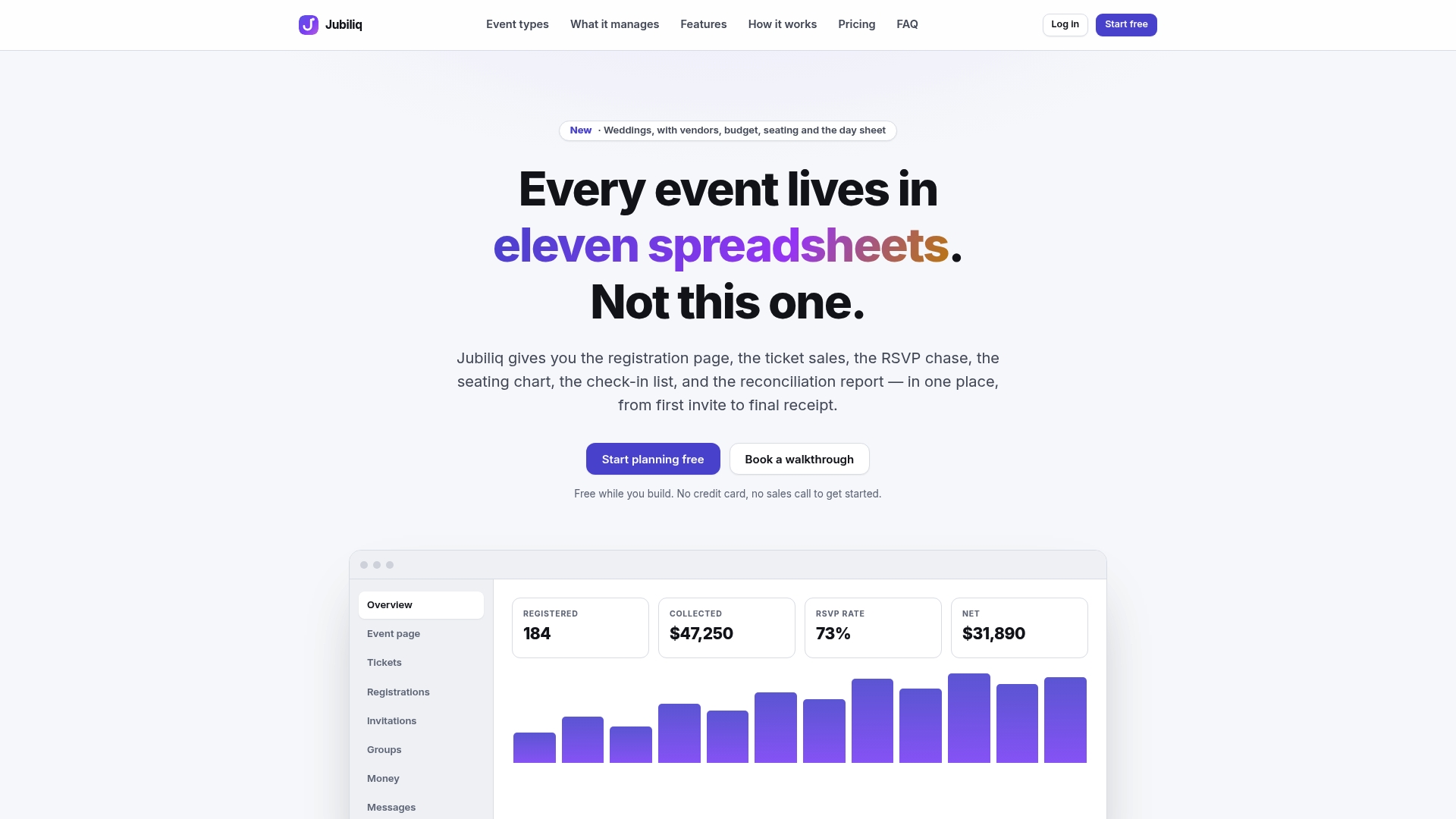
Our approach is to keep everything from invitation to day-of coordination in one place, with real-time progress dashboards, financial tracking, and CSV export for your accounts. When the data is entered once while planning, the post-event report is mostly already written. We think that is how organizers actually learn from each event and improve the next one.
HCRF
Plan the event and the report in one place
Jubiliq is an event planning platform for weddings, corporate events, fundraisers, galas, golf tournaments, and large parties. It covers guest lists with RSVP tracking, budgeting, vendor and contract management, task scheduling, seating and catering workflows, ticket and sponsorship sales, donations, segment email blasts, real-time progress dashboards, printable day sheets, and CSV export.
The Starter plan costs $0 one-off per event, and events without paid tickets, such as weddings, parties, and planning-only mode, are free. The Organizer plan charges 2% per paid registration, plus Stripe processing fees. Enterprise pricing is custom and not published. See the plans at Jubiliq.
FAQ
What are the most important event reporting metrics?
The ones tied to your goal. For most events that means registrations, attendance rate, cost per attendee, revenue or funds raised, a satisfaction score, and ROI. Start with those six, then add one or two specific to your event type, such as cost per dollar raised for a gala.
How do I calculate event ROI?
Subtract total event costs from event benefits, divide by event costs, and multiply by 100. Agree beforehand what counts as a benefit, usually profit, funds raised, or savings, and include every cost, including staff time. Report goals that have no dollar value separately rather than inventing a figure.
What is the difference between event KPIs and metrics?
A metric is any number you can measure, like check-ins. A KPI is a metric you have tied to a goal and a target, like reaching 80% attendance. The input, output, and outcome layers from the ASOIF indicator framework help you decide which metrics deserve KPI status.
How many metrics should an event report include?
Five to eight is enough for most events. Fewer, well-defined metrics with targets and actuals are easier to act on than a long list. Add detail only where a decision depends on it.
When should I send the post-event report?
Pull the numbers and send the survey within a week, while guests remember the event and costs are still easy to reconcile. Outcomes like deals or repeat donations take longer, so schedule a follow-up check at 30 or 90 days and add it to the report.
Sources
- ASOIF: common indicators for measuring the impact of events
- Guidance for Measuring Benefits, International Association of Event Hosts