Avoid 12.2% Cost Shock With a 12 Category Corporate Event Budget

Avoid 12.2% Cost Shock With a 12 Category Corporate Event Budget
Build your corporate event budget on a workbook with three columns (estimated, committed, actual), name someone to own contingency, and size your top line using per-attendee benchmarks before you touch a vendor contract. Direct event planning costs have climbed 12.2% since 2019, so a template-ready approach with built-in contingency matters more than it did a few years back. Pick a workbook structure, set your estimated total plus contingency, and assign an owner before you send a single email.
TL;DR:
- A 10% to 15% contingency reserve is recommended, especially for events with volatile food or labor costs, to cover unexpected expenses.
- Per-attendee costs typically range from $500 to $1,500 for offsites and $2,000 to $4,000 for sales kickoffs, serving as useful sanity checks before detailed budgeting.
- Tracking estimated, committed, and actual expenses separately for each line item allows early identification of budget overruns and potential overruns before invoices arrive.
- Weekly or biweekly review cadences are crucial in the final stages to monitor commitments, as most cost surprises emerge during the last six weeks.
- Using a digital platform like Jubiliq can automate real-time updates, linking RSVP data to catering and vendor contracts, and centralize financial and logistical information.
Table of Contents
- What an event budget is and why it matters in 2026
- Step-by-step budget build for corporate events
- Essential expense categories and line items for your template
- Per-attendee benchmarks and a sample allocation
- Sizing contingency and governing the reserve
- Tracking variance and running a live forecast
- Presenting the budget for approval
- Closing the loop with a Post-Event Report
- Quick habits that save budgets
- Jubiliq: a practical way to run the budget from estimate to day-of
- Sources
- FAQ
What an event budget is and why it matters in 2026
An event budget is a planning and control document: it forecasts every dollar an event will cost and every dollar it might return, then tracks the gap between plan and reality as decisions get made. It is not a one-time spreadsheet you build in January and forget. It is a living record that should tell you, at any point, what you estimated, what you have committed to vendors, and what has actually cleared.
That discipline matters more in 2026 because costs keep climbing. The Events Industry Council reports that direct event planning costs have risen 12.2% since 2019, with food and materials among the categories feeling the squeeze. A budget built on last year’s numbers will underestimate this year’s invoices.
A tight budget also protects the case you make to sponsors and executives. When spend ties directly to outcomes, pipeline generated, tickets sold, engagement scores, the conversation shifts from “did we stay under budget” to “did this event earn its cost.”
A working budget needs to answer three questions at any moment:
- What did we plan to spend on this line item?
- What have we committed to a vendor or contract?
- What has actually cleared, and how far off is that from the plan?
Step-by-step budget build for corporate events
Building a budget that finance will actually approve follows a sequence. Skip steps and you end up negotiating contracts before you know your own ceiling.
- Start with goals and KPIs, not a dollar figure. Define what the event needs to achieve (leads, retention, product launch reach) and let that scope drive attendee count and format before you price anything.
- Lock your attendance assumption and currency rules. Decide the headcount you are budgeting against and, for multi-currency events, fix an FX conversion rule so estimates do not drift as rates move.
- Set a conservative revenue baseline. If the event sells tickets or sponsorships, build your breakeven math around roughly 70% of your target attendance, rather than a best-case sellout, so the budget survives a soft registration period.
- Separate fixed costs from variable costs. Venue rental and staffing tend to be fixed once booked; catering, printing, and shipping scale with headcount and need bottoms-up line-item estimates.
- Build the workbook with three columns per line item. Smartsheet’s template guidance recommends tracking estimated, committed, and actual figures separately for every line, which is what turns a static budget into a real-time control tool.
- Assign an owner to every category. Someone specific, not “the team”, should be accountable for AV, someone else for catering, and so on, each with a spending threshold above which they need sign-off.
- Add contingency and name who controls it. A contingency line without an owner tends to get spent quietly, category by category, until it is gone before anything goes wrong.
- Set your review cadence before the event starts. Weekly or monthly reviews work for the planning phase; shift to biweekly once you are inside the final six weeks, when commitments accelerate.
- Run a rolling forecast, not a fixed one. Update your projected final spend every time a new commitment lands, so surprises show up in the forecast before they show up on an invoice.
The estimated/committed/actual structure in step 5 is the backbone of the whole exercise. Estimated numbers come from your first-pass research or last year’s actuals adjusted for inflation. Committed numbers land the moment you sign a contract or send a deposit, even if the invoice has not arrived. Actual numbers post only when money has cleared. The gap between committed and actual is your real-time exposure: if committed is running well above estimated before the event even happens, you have an early warning that something in the plan was underpriced.
Attendance assumptions deserve extra scrutiny because so much else depends on them. Catering, badge printing, and swag orders all scale with headcount, and getting that number wrong in either direction wastes money or creates a shortage on-site.
Essential expense categories and line items for your template
A copy-paste corporate event budget template generally needs 12 categories, matching the structure most MICE budgeting guidance uses, each with sub-line items and space for estimated, committed, and actual figures.
- Venue: rental fee, deposit, insurance rider, overtime hours, cleaning fee.
- Food and beverage: per-person catering, bar service, dietary accommodations, service staff gratuity.
- AV and production: equipment rental, technician labor, staging, lighting, overtime charges.
- Speakers and talent: honoraria, travel and lodging for speakers, rider requirements.
- Staffing: temporary event staff, security, registration desk labor.
- Travel: attendee or staff airfare, ground transportation, mileage reimbursement.
- Marketing: paid media, email platform costs, print collateral, signage.
- Technology: registration platform fees, Wi-Fi or connectivity rental, app licensing.
- Swag and print: branded merchandise, name badges, program printing.
- Insurance and permits: event liability coverage, local permits, alcohol licensing.
- Logistics, freight, and teardown: shipping to and from venue, load-in and load-out labor, storage.
- Contingency and post-event: reserve fund, post-event survey tools, video editing, thank-you gifts.
Several of these get missed on first-draft budgets, and they are rarely dramatic in size individually, which is exactly why they slip through. Payment processing fees on ticket sales, AV overtime when a session runs long, teardown and load-out labor after the event officially ends, and outbound shipping for signage and swag are the classic invisible overruns. None of them show up on a vendor’s initial quote, and all of them show up on the final invoice.
Record every category in the same three-column structure you built for the overall workbook: an estimated figure when you first scope it, a committed figure the moment a contract or purchase order exists, and an actual figure once payment clears. That consistency is what lets you compare categories against each other later and catch a pattern, like AV consistently running 15% over estimate, before it repeats next year.
Per-attendee benchmarks and a sample allocation
Per-attendee benchmarks give you a fast sanity check on a first-draft budget before you build it line by line. Industry benchmark guidance puts corporate offsites around $500 to $1,500 per attendee per day, while a sales kickoff often runs $2,000 to $4,000 in total per person depending on scope and travel distance. Trade show and conference costs vary widely with venue and AV intensity, which is why an allocation check matters as much as a per-head number.
On the allocation side, budget breakdowns for corporate conferences commonly show venue, catering, and AV or production together claiming 50% to 60% of total spend, with everything else, marketing, staffing, swag, contingency, splitting the remainder.
Here is how that allocation might shape a 200-person one-day conference with a hypothetical $80,000 estimated budget, used only to illustrate the math:
In this illustration, venue, catering, and AV together land at 55% of the total, right inside the typical 50% to 60% range, which is what makes a draft budget worth trusting before you start signing contracts.

Sizing contingency and governing the reserve
A contingency line of 10% to 15% of total budget is standard guidance from event budget templates, and pushing toward the higher end makes sense for events with volatile food and beverage or labor costs, which is most events right now given the cost pressure documented by the Events Industry Council.
Risk on a corporate event budget operates on two different clocks. Events Industry Council research frames near-term risk, the 6 to 18 month window, as operational: weather, attrition, a vendor falling through, an AV failure mid-event. Longer-term risk, over 2 to 5 years, is about capability and strategic readiness, and it belongs in planning conversations rather than a single event’s contingency line. Most teams only plan for the near-term risk, which leaves the longer horizon unaddressed until it becomes an urgent problem.
Set explicit trigger points for when contingency gets tapped: a weather event forcing a venue change, registration attrition below your breakeven line, an equipment failure requiring same-day rental. Spell those out in the budget document itself, not in someone’s head.
Pro Tip: Hold contingency under a single event owner and require written sign-off for any draw above a preset amount, so the reserve survives contact with a dozen small “just this once” requests.
Tracking variance and running a live forecast
The three-number discipline, estimated, committed, actual, only pays off if someone actually watches the middle column. Committed spend is your earliest warning signal: it moves the moment a contract is signed, well before an invoice or actual charge appears, and a committed total that is already running ahead of estimated tells you the budget needs attention now, not after the event.
Review cadence should tighten as the event approaches:
- Early planning phase: monthly reviews are enough while most lines are still estimates.
- Final quarter before the event: move to weekly reviews as vendor commitments start landing.
- Final six weeks: biweekly or even more frequent check-ins, since this is when most contracts get signed and most cost surprises surface.
Certain lines deserve closer watching than others because they move fast and move often: food and beverage pricing tends to shift with final headcount, AV costs creep with overtime and last-minute equipment adds, and paid media spend can run away quickly if a campaign underperforms and someone tries to fix it with budget instead of a new approach.
A centralized system reduces the friction of keeping all this current by hand. Jubiliq’s platform links RSVP data directly to budget lines, so a registration count updates your catering and materials estimates without a manual recalculation, and vendor and contract records sit next to the budget itself rather than in a separate inbox. On the day of the event, a printable day sheet pulls from the same live data, which matters when you need a floor manager working from the same numbers as your finance team.
Presenting the budget for approval
Finance and executives do not need the full 12-category workbook to approve a budget. They need a one-page summary that answers four questions fast: what is the total, how much is contingency, what are the top risks, and what KPIs and breakeven point justify the spend.
Build that summary around a few elements:
- Total and contingency: the full estimated cost and the reserve percentage, stated together, not buried separately.
- Top risks and their triggers: the two or three scenarios most likely to draw down contingency.
- KPIs tied to spend: the pipeline, ticket revenue, or engagement target the event is designed to hit.
- Breakeven scenario: the conservative case, built around roughly 70% of target attendance, showing the budget still holds.
Two visuals do most of the work here: a pie chart showing the allocation across categories (venue, catering, AV, and the rest) and a simple sparkline comparing forecast to actual spend over the planning timeline. Neither needs to be elaborate; the goal is a document an executive can scan in ninety seconds and still ask the right follow-up question.
Closing the loop with a Post-Event Report
The budget does not end when the event does. A Post-Event Report reconciles what you actually paid against what you contracted for, and that gap, whether it is attrition fees, unused catering minimums, or vendor overages, is exactly what makes next year’s budget more accurate.
The 2026 APEX Post-Event Report framework adds four new sections beyond the traditional financial reconciliation: sustainability and carbon impact, accessibility and inclusion, cybersecurity, and AI-enabled outcomes. Those additions reflect how much broader event accountability has gotten, even for a budget document.
A thorough PER should cover:
- Contracted vs. delivered spend, line by line, flagging every variance over your set threshold.
- Attrition and overage fees, which are often the single largest gap between estimate and actual.
- Vendor performance notes, useful leverage the next time you negotiate that same contract.
- The four new 2026 sections, sustainability, accessibility, cybersecurity, and AI outcomes, even in brief form.
Use the PER’s findings directly in next year’s estimated column. If AV ran 18% over estimate two years running, that is not a fluke, that is your new baseline.
Quick habits that save budgets
Most budgets that blow up do not fail from reckless overspending. They fail from a missing line item, a commitment made without sign-off, or a category with nobody clearly responsible for it.
The habits that hold up under pressure are simple: one named owner per category, strict use of the committed column the moment a contract is signed rather than waiting for the invoice, a weekly variance review once the final quarter starts, and a Post-Event Report that actually gets written and read, not just filed away. None of that requires sophisticated tools. It requires someone doing the boring parts consistently.
— HCRF
Jubiliq: a practical way to run the budget from estimate to day-of
Running a corporate event budget by hand across spreadsheets, email threads, and vendor PDFs works until the week before the event, when everything needs to update at once. An adaptive planning interface can show corporate-specific budget tools without features for other event types, and keep financial tracking, vendor and contract records, and RSVP data consolidated rather than scattered across tools.
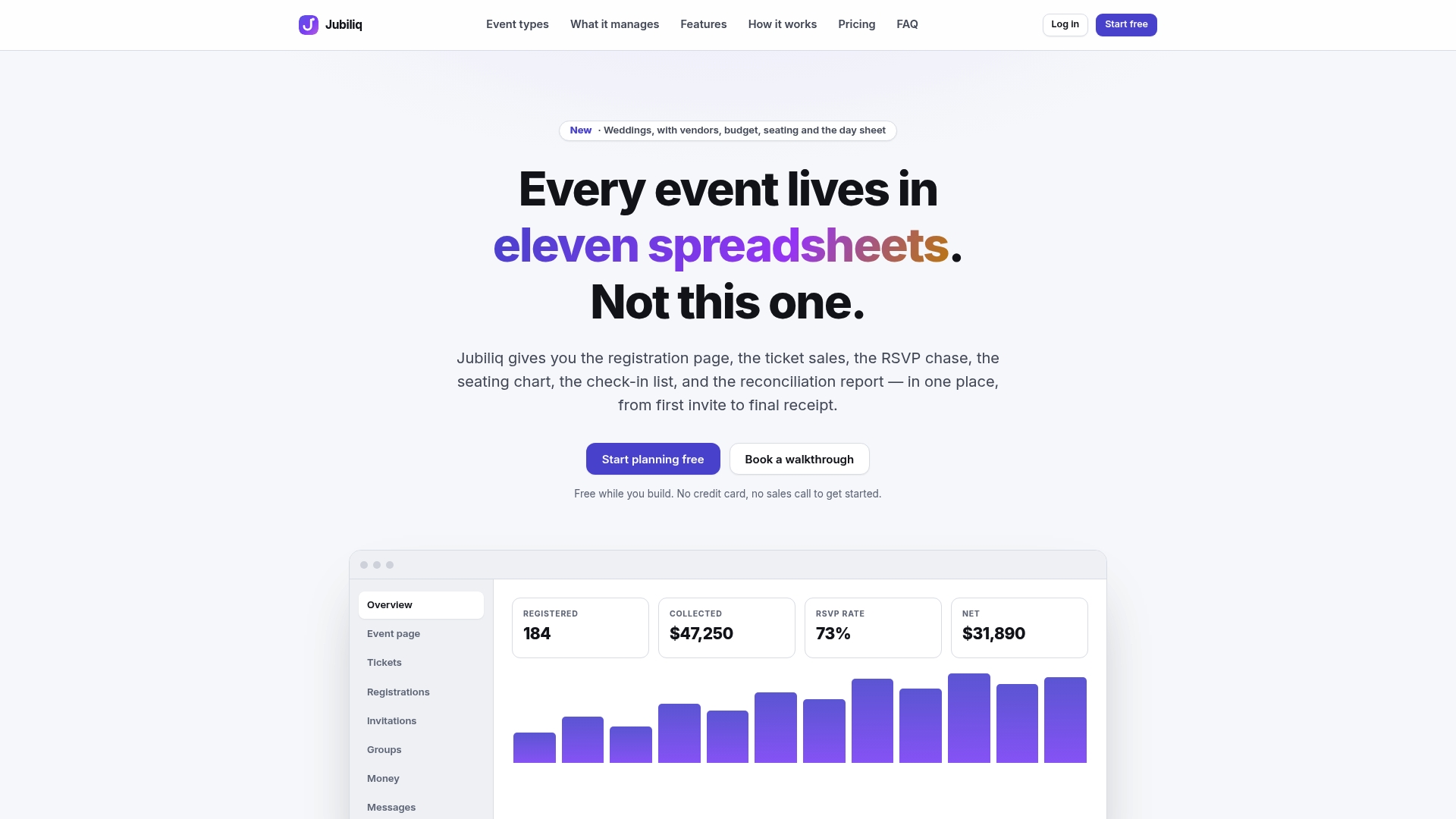
That means a registration count feeds directly into your catering and materials estimates, your vendor contracts sit next to the budget lines they affect, and your day-of team works from a printable day sheet built off the same live numbers your finance team is watching. The Starter plan is free for events without paid registration, and the Organizer plan runs 2% per paid registration for events selling tickets. Set up your event on Jubiliq and build your first budget workbook directly inside the platform.
Sources
For deeper reading or a working template, the Events Industry Council’s cost report covers 2026 cost pressure, Smartsheet’s template library offers copy-paste workbook structures, and the Itilite MICE budget guide breaks down category and per-attendee benchmarks. For hospitality-heavy formats like a golf outing, Chase Birdies’ planning guide covers logistics worth budgeting around.
- Beyond the juice bar: systematizing wellbeing to protect event ROI - Events Industry Council News
- Corporate event budget template and MICE guidance - Itilite (source highlight)
FAQ
What should a corporate event budget include?
A corporate event budget should include roughly 12 categories: venue, food and beverage, AV and production, staffing, travel, marketing, technology, swag and print, insurance and permits, logistics and teardown, contingency, and post-event costs, per common MICE budgeting structures. Each category should track estimated, committed, and actual figures separately.
How much contingency should I add to an event budget?
Most event budget templates recommend a contingency reserve of 10% to 15% of the total budget. Events with volatile catering or labor costs often sit at the higher end of that range.
What is a Post-Event Report and why does it matter?
A Post-Event Report (PER) reconciles what you contracted for against what you actually paid and delivered, exposing attrition fees and vendor overages. The 2026 APEX framework also adds sections on sustainability, accessibility, cybersecurity, and AI-enabled outcomes.
How do I estimate attendee costs for a corporate event?
Per-attendee benchmarks vary by format: industry guidance puts corporate offsites around $500 to $1,500 per person per day, while a sales kickoff often runs $2,000 to $4,000 total per attendee. Use these ranges to sanity-check a first-draft budget before building it line by line.
Can I track my event budget inside a planning platform?
Yes. Jubiliq links RSVP data directly to budget lines and keeps vendor contracts alongside financial tracking, with a free Starter plan for events without paid registration and a 2% per-registration fee on the Organizer plan for ticketed events.