Fundraising Event Registration: How to Set It Up Right

Fundraising Event Registration: How to Set It Up Right
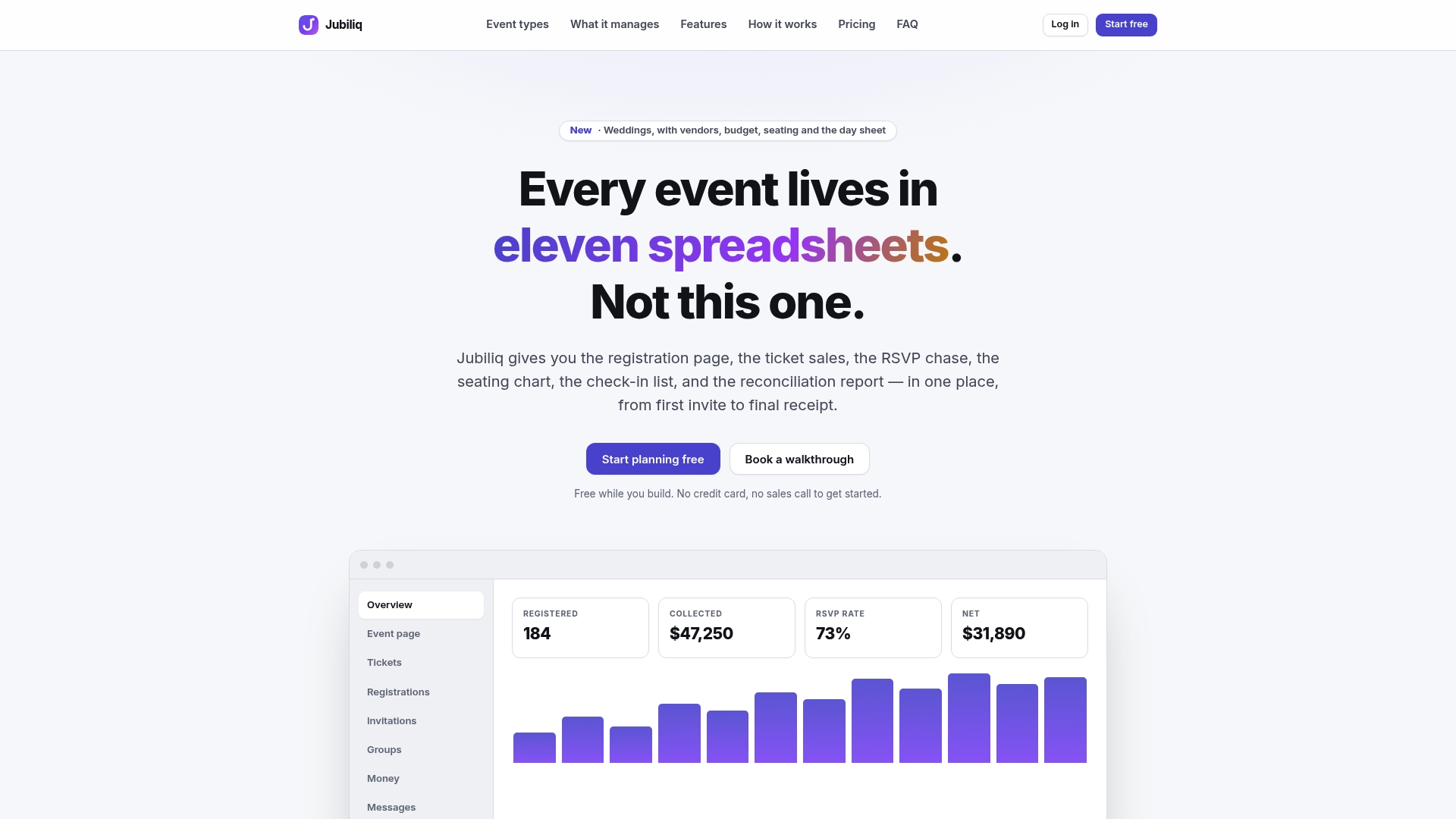
Good fundraising event registration does three jobs in one pass: it collects who is coming, takes their money (ticket, donation or sponsorship), and gives you the data to run the night. Build it as one connected flow, with a short form, clear ticket tiers, an optional gift at checkout and an automatic receipt, and you raise more with less back-and-forth. Jubiliq is built for this: the guest list, RSVPs, ticket and sponsorship sales, donations and day sheet live in one place, and events without paid tickets are free to run.
TL;DR
- Decide your goal, ticket tiers and sponsorship levels before you build the form, because the form follows the money plan.
- Ask only what you need on the day: name, contact, meal choice, seating wishes and accessibility needs. Everything else can wait.
- Put an optional donation at checkout and state the deductible part of each ticket, since a ticket above $75 triggers a written disclosure under IRS rules.
- Start promoting three to six months out, with a visible registration link in every message.
- After registration closes, export the list, build the day sheet, send a thank-you and compare results to your goal.
Table of Contents
- Start with the money plan, not the form
- Choose the registration model that fits your event
- Design tickets, tables and sponsorships
- Build a short registration form
- Add donations at checkout and handle receipts correctly
- Promote the registration link
- Manage registrations while they come in
- Check-in and the day sheet
- After registration closes
- What we think about registration
- Run your fundraising registration with Jubiliq
- FAQ
- Sources
Start with the money plan, not the form
Most registration problems are budget problems in disguise. A form built before you know your target forces rework once the first tickets sell. Before you open any tool, write down four numbers:
- Net goal. What the event must raise after costs.
- Cost per guest. Meal, venue share, rentals, entertainment.
- Expected attendance. Be honest about the room and your list size.
- Ticket price. Cost per guest plus the share of the goal each seat should contribute.
A worked example: you want to net $20,000 at a gala. Fixed costs are $12,000 and the meal and service run $60 per guest. With 150 guests, per-guest costs are $9,000, so you need $41,000 in gross revenue. Sponsorships of $10,000 would leave $31,000 to come from tickets and gifts, about $207 per seat if tickets alone cover it. In practice you set a ticket around $150, add a table option, and count on donations and an appeal to close the gap. The point is that you see this before the first guest registers.
Our gala planning guide walks through the goal-setting step in more depth, and the fundraiser planning checklist lays out the timeline from first decision to day sheet.
Choose the registration model that fits your event
Fundraising events register people in different ways, and the model decides what you collect.
| Event type | Typical registration | What to capture |
|---|---|---|
| Gala or dinner | Individual seats, tables, sponsor packages | Meal choice, seating requests, table captain |
| Golf outing | Single players, foursomes, hole sponsors | Handicap or skill level, cart sharing, shirt size |
| Virtual event | Free or low-cost sign-up plus gifts | Email, giving level, reminder preferences |
| Run or walk | Individual or team sign-up | Team name, shirt size, fundraising page |
| Free community event | RSVP only | Headcount, contact, updates |
If your event is free to attend and you only want RSVPs, you do not need a payment flow at all. If guests pay, the registration and the payment must happen in the same step, or people abandon halfway. Our event registration flow guide covers the steps, fields and common fixes in detail.
Design tickets, tables and sponsorships
Three structures cover nearly every fundraiser.
Individual tickets. Offer one standard price and, if your audience supports it, a higher “champion” tier that includes recognition. Keep tiers to two or three. More choices slow people down.
Tables and foursomes. Selling a group is often easier than selling a seat. One person pays, then fills the seats. Give that person a simple way to name guests later so you are not chasing 10 strangers for meal choices.
Sponsorships. Sponsors want to know what they get: a logo, a mention, a table, a hole sign. List each level with a price and the benefits in plain words, and sell it on the same page as tickets so businesses can pay in one visit. For a gala, the program is also part of what you are selling; live classical music for events is one way hosts set an elegant tone that supports higher ticket prices.

Set a registration deadline tied to your caterer’s final headcount, not to the event date. That one date prevents most last-minute scrambles.
Build a short registration form
Every extra field costs you completed sign-ups. Ask for what you need to run the night and nothing more. A workable gala form has these fields:
- Full name and email for each guest, or at least the buyer’s details and a headcount
- Phone number, if you will send day-of texts
- Meal choice and dietary restrictions or allergies
- Accessibility needs
- Seating requests (who they want to sit with)
- How they heard about the event, a single dropdown that shows you which channel works
- An optional dedication or recognition name for the program
For golf, replace meals with skill level, cart preference and shirt size. For a walk or run, replace them with team name and shirt size.
Three habits keep the form working. First, mark only the truly required fields. Second, let the buyer register the whole table first and collect guest details later. Third, test it on a phone before you publish, since many guests will register from one. We cover this in mobile event registration, and the questions that protect your event day are in registration form questions.
If you publish an event website, make sure the registration button is visible without scrolling and the page is readable for everyone. Our event website essentials list the pages and features worth including.
Add donations at checkout and handle receipts correctly
The moment of registration is the moment a guest is most committed. An optional gift line, with a few preset amounts and a custom one, turns the ticket purchase into a giving opportunity. Offer a prompt such as covering a seat for someone else, and keep the gift separate from the ticket so your records stay clean.
That separation also matters for taxes. When a guest pays more than the value of what they receive, only the excess is a charitable contribution. The IRS describes a payment made partly as a contribution and partly for goods or services as a quid pro quo contribution. Where that payment exceeds $75, the charity must give the donor a written disclosure stating that the deductible amount is limited to the excess over the value received, plus a good-faith estimate of that value. The IRS notes a penalty of $10 per contribution, up to $5,000 per fundraising event, for missing the disclosure.
Applied to a gala: a $150 ticket where dinner and entertainment are worth $60 means $90 is the contribution. Because the guest paid more than $75, the confirmation email should say so. Put the fair market value in the ticket description and the confirmation, and ask your accountant or tax adviser to confirm the value you assign. This rule applies to US nonprofits; if you run an event elsewhere, check your own country’s charity rules.
A clean system for recording gifts, pledges and matching is worth setting up now. Our donation tracking guide shows a practical approach.

Promote the registration link
A good form is useless if no one reaches it. According to Winspire’s charity event marketing guide, promotion should start three to six months out with save-the-dates, use several channels with consistent branding, and put a clear call to action with a visible registration link in every message. The same guide recommends keeping event emails to one or two a week, under 200 words, with personalized subject lines, and tracking conversion and traffic by channel.
Custom Ink’s event promotion guide adds that most registrations may need several touchpoints, so spread messages over several weeks instead of relying on one announcement.
A simple schedule for a gala:
| When | What goes out |
|---|---|
| 3 to 6 months before | Save-the-date to your full list and social channels |
| 8 to 10 weeks before | Registration opens, with the sponsor packages sent personally |
| 4 to 6 weeks before | Reminder with the program, auction or appeal preview |
| 2 weeks before | Last-chance message before the caterer deadline |
| 1 week before | Logistics: parking, arrival time, dress code |
Segment your list. Past donors, past attendees, board members and local businesses each need a different message. Jubiliq supports segmented email blasts, so a sponsor ask and a guest invitation do not have to be the same email.
Track the “how did you hear about us” field weekly. If one channel produces most registrations, move effort there.
Manage registrations while they come in
Once sales start, check the numbers often. You are watching:
- Tickets sold against your target, by tier
- Sponsorships confirmed against open levels
- Donations added at checkout
- Unpaid or incomplete registrations
- Meal, seating and accessibility notes
A live dashboard makes this a two-minute check instead of a spreadsheet rebuild. Jubiliq shows real-time progress, tracks RSVPs, and lets you export to CSV for your accounts. Because the guest list, budget and tasks sit next to registration, a new table sale updates the headcount you give the caterer.
Send confirmation emails immediately after each registration. Include the date, address, arrival time, the ticket’s fair market value if you are a US charity, and a way to reach you. If a guest needs to change a meal choice or name, a quick path to do so saves you from a dozen emails.
For seating, wait until the registration deadline, then group tables by the requests you collected. Seating and catering workflows are part of Jubiliq’s planning tools, so those details feed the same event record.
Check-in and the day sheet
Registration data should become your run-of-show. The night before, produce a printed day sheet: arrival times, vendor contacts, the guest list with meal and seating notes, the program timeline and who is responsible for what. Jubiliq generates a printable day sheet from the event plan, so the same information you collected at sign-up arrives at the door.
At check-in, have the list sorted by last name, an extra copy at the registration table, and a way to add walk-ins. Assign one person to handle payment issues so the line keeps moving. If you collected accessibility needs, brief your volunteers on them before doors open.
After registration closes
The work after the deadline is what turns a one-time event into a donor base.
- Send the headcount to your caterer and venue and lock the seating chart.
- Export your list to CSV and reconcile it with your accounts.
- Thank everyone within a few days. Attendees, sponsors, donors who could not attend and volunteers all get a message.
- Report results against your goal. Compare gross, costs and net with the plan from the start, and note which tier and channel performed best.
- Record what to change. Which form fields went unused, which tier didn’t sell, which email drew the most registrations.
Those notes become next year’s starting point, and with the data already in one place you are not rebuilding from memory.
What we think about registration
Fundraising registration fails when it is treated as a separate chore. The form lives in one tool, the guest list in another, the budget in a spreadsheet and the day sheet in a document that someone updates at midnight.
We built Jubiliq around the opposite idea. The planning interface adapts to the event type, so a gala organizer sees tickets, sponsorships, donations, seating and catering, while irrelevant tools stay out of the way. Registration, vendors, budget, tasks and the day sheet share one record, with real-time updates as sales come in.
We also think the pricing should follow success. Events without paid tickets are free to run, and when you sell tickets the fee is 2% per paid registration plus Stripe fees, so you pay when you raise money.
The result we aim for is simple: you spend your time on the guests and the cause, not on reconciling lists.
HCRF
Run your fundraising registration with Jubiliq
Jubiliq gives nonprofits one place to publish an event website, sell tickets and sponsorships, take donations, send segmented emails, track RSVPs and print the day sheet. The Starter plan is $0 per event, the Organizer plan charges 2% per paid registration (plus Stripe fees), and Enterprise is available for organizations running many events, with pricing on request.
See the plans and start your event at jubiliq.com.
FAQ
How do you plan registration for a fundraising event?
Start with your net goal, cost per guest and expected attendance, then set ticket tiers and sponsorship levels that reach the goal. Build a short form around what you need on the day, set a deadline tied to your caterer’s headcount, and schedule promotion starting three to six months out.
What should a fundraising event registration form ask?
Name and contact details, meal choice and allergies, accessibility needs, seating requests and how the guest heard about the event. For golf or runs, swap in skill level, cart preference or team and shirt size. Keep optional fields to a minimum so more people finish.
Does a fundraising ticket count as a tax-deductible donation?
Only the part above the fair market value of what the guest receives. In the US, a payment over $75 requires the charity to give a written disclosure with a good-faith value estimate, per the IRS rules on quid pro quo contributions. Your accountant can confirm the right values for your event.
Can I run a fundraising event without charging for tickets?
Yes. Free events and planning-only mode on Jubiliq cost nothing, and you can still take RSVPs, manage the guest list and tasks, and print a day sheet. You pay the 2% fee, plus Stripe fees, only when someone completes a paid registration.
Sources
- IRS: Charitable contributions, quid pro quo contributions
- Winspire: Charity event marketing strategies
- Custom Ink: How to promote your event