6 Must Have Event Refund Policy Clauses for Organizers

6 Must Have Event Refund Policy Clauses for Organizers
Refunds aren’t automatic. Event organizers set the terms, and those terms decide almost everything: whether you get money back, how much, and how fast. If the event gets cancelled outright, a full refund is the norm. If it’s postponed, rescheduled, or you’re the one backing out, the organizer’s specific policy takes over, so the first move is always reading the fine print on your confirmation email or the event page itself.
TL;DR:
- Refund eligibility is limited to the original purchaser, and resale transfers are generally ineligible for direct refunds under platform policies.
- Deadlines for refund requests vary from 24 hours up to 30 days before the event, with strict enforcement to prevent automatic denial.
- Virtual events, memberships, and donations are typically excluded from refunds unless explicitly stated, with organizer-specific policies often overriding platform rules.
- Processing times for refunds generally range from 5 to 30 days, and fees such as 5-10% are often deducted before the remaining amount is returned.
- Automating refund processes and clearly publishing policies reduce disputes, delays, and support workload for event organizers.
Table of Contents
- The Event Refund Policy Checklist: 6 Things to Confirm Right Now
- Who Actually Qualifies for a Refund?
- How Refunds Play Out in Real Scenarios
- How to Request a Refund, Step by Step
- What Fees and Timelines Actually Look Like
- How to Write a Refund Policy That Actually Prevents Disputes
- What We’ve Learned From Watching Refund Requests Pile Up
- Run Your Refund Policy Without the Manual Chasing
- Sources
The Event Refund Policy Checklist: 6 Things to Confirm Right Now
Before you email support or file a dispute, run through these:
- Who’s eligible. Refunds almost always go only to the original purchaser, not whoever the ticket got transferred to.
- The deadline. Most policies set a specific cutoff, sometimes 24 hours, sometimes 30 days out.
- Non-refundable flags. Some tickets, add-ons, or donations are excluded outright, and that language usually sits in the checkout terms.
- Processing time. Expect anywhere from a few days to a month before money actually lands.
- Fees. Look for a stated administrative or processing fee deducted from your refund.
- The request channel. Dashboard, form, or email, each organizer picks one, and using the wrong one delays things.
Who Actually Qualifies for a Refund?
The original purchaser is almost always the only person who can request a refund. If you got the ticket from a friend or through a resale transfer, most platforms won’t process a refund to you directly. That’s not an accident. It’s how Ticketmaster’s purchase policy and similar platform terms are written, precisely to prevent disputes between the buyer and whoever ends up holding the ticket.
Certain categories get excluded by default, even when the rest of the event is refundable:
- Virtual event access, since there’s no physical seat to reclaim.
- Membership dues or annual passes tied to an organization rather than a single event.
- Donations made through a ticketing or fundraising flow, which are typically treated as final.
Here’s the part people miss: the platform processing your payment (Eventbrite, a ticketing vendor) and the organizer running the event often have different rules, and the organizer’s terms usually win. Eventbrite, for instance, lets organizers set and manage their own refund policy, with a default window allowing refunds up to seven days before the event unless the organizer customizes it. Always check the specific event page, not just the platform’s general FAQ.
How Refunds Play Out in Real Scenarios
Not every disruption gets treated the same way. Here’s what typically happens in the four situations that generate the most refund requests:
- Event cancelled outright. This is the cleanest case: a full refund to your original payment method is standard, though processing can still take days to weeks depending on the payment processor.
- Event postponed or rescheduled. You usually get a choice: hold your ticket for the new date, transfer it, or request a refund within a specific window the organizer announces. Miss that window and you may be locked into the new date.
- Buyer-initiated cancellation. You’re backing out, not the event. Here it’s entirely up to the organizer’s stated policy, and partial refunds within a set number of days before the event are common, with the amount shrinking as the date gets closer.
- Force majeure. Weather, government orders, venue closures. Plenty of policies explicitly exclude refunds here, or leave it to organizer discretion, which is exactly why reading that clause before you buy matters more than most people realize.
Groups like Cascade Bicycle Club publish tiered structures for exactly this reason, distinguishing membership status, medical deferrals, and standard cancellations rather than applying one blanket rule.
How to Request a Refund, Step by Step
- Check the policy and the clock. The deadline lives on the event page or in your confirmation email. If you’re past it, most requests get denied automatically.
- Confirm you’re the original purchaser. If someone else bought the ticket, you’ll likely need them to submit the request through their own account.
- Gather your documentation. Order number, payment confirmation, and if you’re citing a medical or emergency exception, supporting proof.
- Submit through the correct channel. Use the platform dashboard or the organizer’s dedicated refund form, not a general contact email, and save the request ID you’re given.
- Follow up if the clock runs out. If the refund hasn’t posted by the window the organizer quoted, that request ID is what you reference when you follow up.
Pro Tip: Screenshot your submission and confirmation the moment you request a refund. If a dispute comes up later, having your own timestamp beats relying on a support inbox to find your original message.
What Fees and Timelines Actually Look Like
Processing fees aren’t universal, but they’re common enough that you should expect one. Comic-Con International deducts a 10% processing fee on badge refunds, while Gen Con applies a 5% administrative fee and, depending on ticket type, may issue the balance as system credit rather than cash back.
That range matters for timing expectations too. Refunds to your original card can take anywhere from about 5 to 30 days, largely because of how card networks and payment processors batch transactions, not because organizers are dragging their feet. Some platforms sidestep that delay entirely by crediting your account instantly instead of touching your card at all.
- Full refunds usually route back to your original payment method.
- Store or system credit shows up faster but locks your money to that platform.
- Add-ons (parking, merchandise, VIP upgrades) are often refunded separately from the base ticket, sometimes at a different rate.
How to Write a Refund Policy That Actually Prevents Disputes
A refund policy that buyers can’t find is a policy that generates support tickets, disputes, and chargebacks. Publish it somewhere obvious, and cover six things:
- Who’s eligible (original purchaser, no exceptions unless you state one).
- Deadlines, stated as actual dates or day counts, not “shortly before the event.”
- How to request a refund, including the exact form or dashboard link.
- Processing time, given as a range so nobody panics on day four of a ten-day window.
- Fees, spelled out as a percentage or flat amount.
- Exceptions, covering non-refundable add-ons, virtual access, and donations.
A few paste-ready clauses to build from:
“Tickets are fully refundable up to [X] days before the event. After that date, all sales are final.”
“This event has been cancelled. All ticket holders will receive a full refund to their original payment method within [X] business days.”
“If this event is postponed, your ticket will automatically transfer to the new date. Refunds must be requested within [X] days of the new date announcement.”
Put this language on the event page itself, repeat the deadline in the confirmation email, and link to a help center article for edge cases. Squarespace’s refund policy template guidance is a solid model for the plain, direct tone that actually gets read instead of skipped.
What We’ve Learned From Watching Refund Requests Pile Up
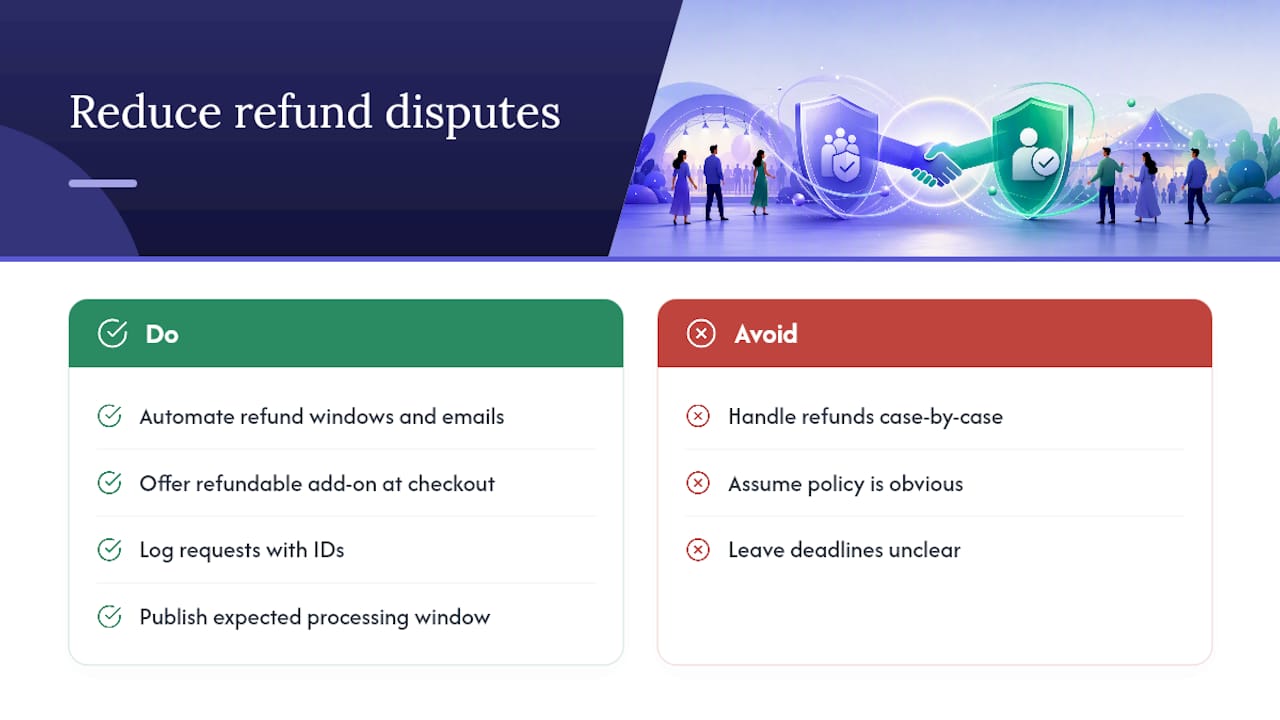
Most refund disputes aren’t about money. They’re about surprise. A buyer assumed something was refundable, or an organizer assumed their policy was obvious, and neither checked. The fix isn’t a stricter policy. It’s a more visible one, paired with automation that removes the guesswork on both sides.
Organizers who automate refund windows and send confirmation emails stating the exact deadline see far fewer disputes than those who handle requests case by case. Offering a refundable add-on, the way SeatGeek does with its opt-in coverage, shifts the flexibility decision to checkout instead of a stressful email exchange weeks later. And logging every request with an ID, then publishing your expected processing window up front, turns “where’s my refund” into a question your confirmation email already answered.
— HCRF
Run Your Refund Policy Without the Manual Chasing
If you’re an organizer juggling ticket types, refund windows, and a dozen half-answered emails from attendees asking where their money went, that’s exactly the friction an event planning platform is built to remove. Some event planning platforms let you set refund windows per ticket type, trigger automated confirmation emails when requests come in, and track every refund status in one dashboard instead of a scattered inbox.
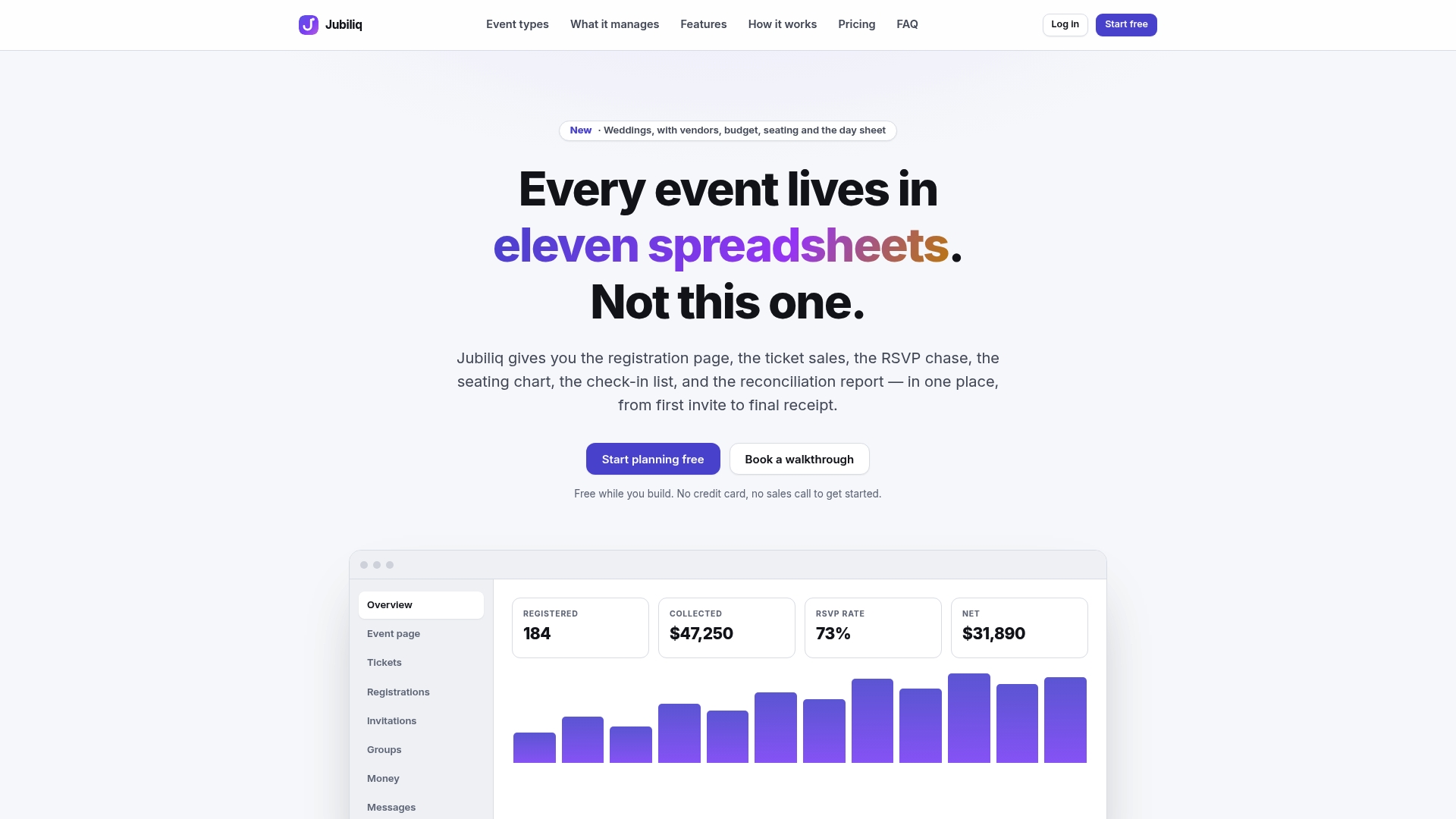
That matters most for organizers running paid ticketing on tight timelines, where a missed deadline or a vague policy turns into a chargeback. Reporting tools can simplify reconciling which refunds were processed to a card versus system credit, so your books match what buyers actually received. For event types outside standard ticketing, resources like Sailorix’s guide to cancellation policies offer a useful comparison point for deposit and fee language in hospitality settings.
If you’re planning your next ticketed event, visit Jubiliq to see how refund automation and confirmation templates work together before your next sale goes live.